

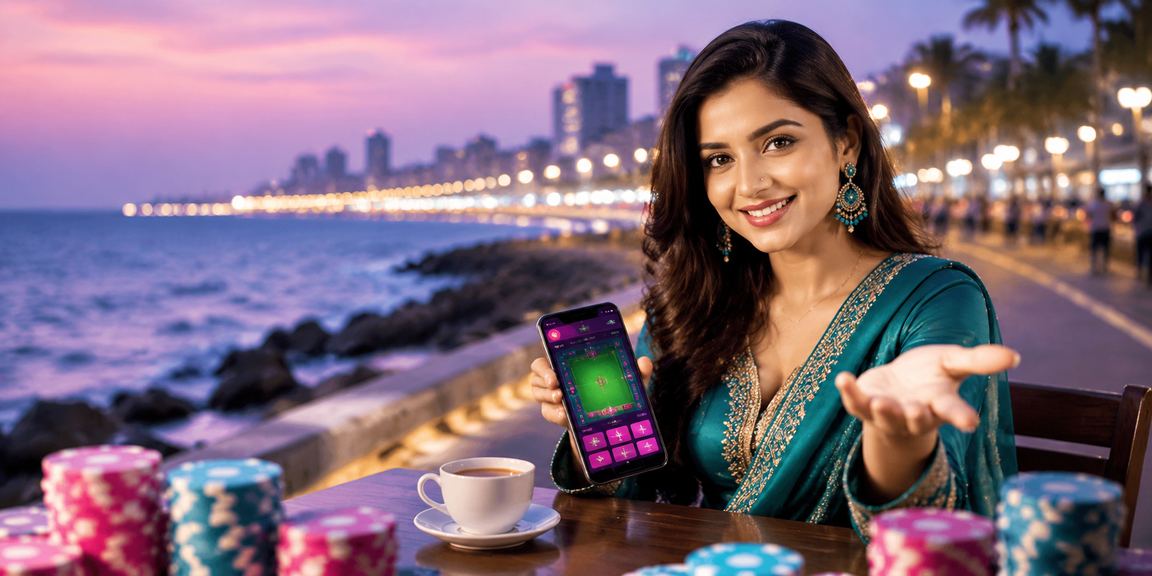
Download okapp – Get the Best Betting Experience on Android & iOS

Enjoy cricket betting, Live Casino, and slots anytime, anywhere from the mobile app. Takes just 1 minute to install.

Free Download Only 32 MB Android 6.0+ supported iOS 13+ supported
okapp
Latest Version: v4.2.1
Updated: July 2026
Download: 500,000+
Rating: 4.7/5

📱 Choose Your Platform

Okapp delivers full performance on both Android and iOS.

Most Popular

Android App (APK)

Even if it's not on the Google Play Store, you can download the APK directly from the okapp site. The installation process is straightforward and safe.

Android Version
Android 6.0 (Marshmallow) or above
Storage
Requires 32 MB of storage space
Internet
3G, 4G or Wi-Fi — all supported
Security
SSL encrypted, malware-free
Download Android APK
Enable Unknown Sources to download

IOS App (iPhone/iPad)

IPhone and iPad users can open the site in Safari and tap "Add to Home Screen" for an experience that feels just like a native app.

iOS Version
iOS 13 or above
Storage
No full app installation required
Browser
Works best in Safari
Push Notifications
Add to Home Screen to receive notifications
Add on iOS
Safari > Share > Add to Home Screen

🤖 How to Install on Android

1
Enable Unknown Sources in Settings
Go to Settings → Security (or Privacy) → Unknown Sources or Install Unknown Apps and enable it. You only need to do this once.
2
Visit the okapp site and download the APK
Tap the "Android APK Download" button on this page. The download will start automatically.
3
Open the file from your Downloads folder
When you see the download complete notification in your notification bar, tap it — or open your Files app and launch the APK from there.
4
Tap the "Install" button
An installation prompt will appear. Tap "Install" and the process will be done in just 10–20 seconds.
5
Log In or Register
Open the app, log in to your existing account or create a new one. Enable push notifications.

🍎 How to Add on iOS

1
Open Safari on your iPhone or iPad
Chrome or other browsers will not work. You must use Safari.
2
Visit okapp.best
Type okapp.best in the Safari address bar, press Enter, and wait for the site to fully load.
3
Tap the Share icon
Tap the Share icon (the box with an arrow pointing up) at the bottom centre or top of your screen.
4
Select "Add to Home Screen"
Scroll down to find "Add to Home Screen" and tap it. When prompted for a name, enter "okapp".
5
Tap "Add" to finish
Tap the "Add" button on the right. The okapp icon will be added to your Home Screen.
okapp

✨ App Highlights

Everything from the website, now on mobile – faster and easier.

Fast loading Live notifications Live Betting Live Streaming One-Tap Deposit Fingerprint Login Dark mode Bangla Interface Offline score viewing Real-Time Odds SSL Security In-app support
Ultra-Fast Performance

The okapp app runs smoothly even on Bangladesh's 3G networks. Pages load in an average of 1.5 seconds — three times faster than a browser.

Live Streaming Support

Watch selected matches live right in the app. Live scores and live odds updates happen in real time.

Smart Notifications

Match starting, withdrawal completed, new promo live — every important update delivered straight to your phone the moment it happens.

⭐ User Reviews

4.7
Based on 500,000+ reviews

5 ⭐
72%
4 ⭐
18%
3 ⭐
6%
2 ⭐
2%
1 ⭐
2%

"The app is genuinely great. I used to play on the browser and page loads were slow. Since installing the app, live bets go through so much faster — sometimes I can get my bet in before the odds even change."

— Rafiul Islam, Sylhet · 2 weeks ago

"Depositing via bKash has become so much easier. On the browser I'd always fumble copying the number, but now it all goes through directly in the app. The fingerprint login is a real time-saver too."

— Nasrin Akter, Chittagong · 1 month ago

"Had a bit of trouble installing on my Redmi, but enabling Unknown Sources sorted it out straight away. It's been running perfectly ever since. The Live Casino graphics look great on mobile too."

— Tanvir Hossain, Mymensingh · 3 weeks ago
okapp

Why Download the okapp App?

Smartphone users in Bangladesh now number in the tens of millions, and most people prefer to handle everything on their phone — from banking to shopping and beyond. okapp The app was built with exactly that in mind. Everything available on the website is available in the app — plus a few extra features you'll only find in the app itself.

Many people assume betting on mobile means struggling with a small screen. But okapp The app's interface is designed specifically for mobile. Large buttons, clear text, and intuitive navigation mean you can use it on even the smallest screen without any hassle.

App vs Browser – Which is Better?

A lot of people ask this. Honestly, both work fine — but the app does come with a few extra perks. First, it caches data locally, so everything loads much faster on return visits. Second, you get push notifications — your phone alerts you the moment a match kicks off or a withdrawal goes through. Third, you can log in with your fingerprint, so no more typing out your password every time.

The app has an even bigger edge for Live Betting. Browsers sometimes require a page refresh, whereas in the app, odds update automatically. This can make a real difference during a live match — a one-second delay could mean missing a great price.

Does it work on Samsung, Xiaomi, and Realme phones?

Yes, okapp The app has been tested on all the popular Android brands in Bangladesh. It runs smoothly on Samsung Galaxy series, Xiaomi Redmi and Note series, Realme, OPPO, and vivo. Even older phones running Android 6.0 are supported, though you may notice slightly reduced performance during live streaming. For regular betting and casino games, older devices work just fine.

For iPhone users, it's worth knowing that due to Apple's App Store policies, betting apps cannot be installed directly. However, using "Add to Home Screen" in Safari creates a shortcut that works almost exactly like a full app. To receive push notifications, you'll need iOS 16.4 or later.

How to Update the App

When the okapp app has an update, you'll usually get a notification after logging in, and you can download the new version directly from there. You can also come back to this download page and grab the latest APK — it installs over the existing version and keeps all your data intact.

IOS users don't need to update manually — the Safari Web App automatically loads the latest version. That said, clearing your Safari cache occasionally will ensure you're seeing the most up-to-date design and features.

How secure is the app?

Okapp uses SSL/TLS encryption, which means all your data and transactions are fully encrypted — no one outside can access your information. The fingerprint login feature works through your phone's own biometric system, so that's completely secure too.

One important thing to note is, okapp-'s APK file should only be downloaded from the official site or this page. APK files from third-party sites may not be safe. The official file is virus-scanned and undergoes regular security audits.

What can I do in the app without internet?

You can't place bets or play Live Casino without an active internet connection — that's expected. However, okapp does offer some offline features: you can still browse previously viewed match statistics, your betting history, and your account summary without a connection. Once you're back online, all data syncs automatically.

App Info

Version
v4.2.1 (July 2026)
File Size
Android: 32 MB
System Requirements
Android 6.0+ / iOS 13+
Language
Bangla, English
Security
SSL encryption, malware-free
Total Downloads
500,000+ active users
User Rating
4.7 / 5 (500,000+ Reviews)

Download Android APK Add on iOS
Having trouble? Help Center View.
okapp

🔧 Troubleshooting Common Issues

Seeing "Install Blocked" or "Not Allowed"

Go to Settings → Security → Unknown Sources or Install Unknown Apps and enable it. On Samsung devices, you'll find this under Settings → Biometrics and Security.

App installed but won't open

Restart your phone. If the problem persists, uninstall the app and download a fresh copy.

Game or Live Casino not loading

Go to Settings → Apps → okapp → Storage → Clear Cache. Use Wi-Fi or 4G.

Not receiving notifications

Go to Settings → Apps → okapp → Notifications and make sure they're turned on. Also, disable Battery Saver mode.

Add to Home Screen not showing on iOS

Make sure you're using Safari, not Chrome. Tap the Share button at the bottom and scroll through the options.

Can't log in to the app

Make sure your internet connection is active. Double-check that you're entering the correct number and password.

❓ Frequently Asked Questions

After making a deposit, your okapp balance is usually credited within 1–3 minutes. If it hasn't shown up after 5 minutes, open your bKash app and check your transaction history to confirm the payment went through. If it did, copy the bKash Transaction ID (TxID) and contact okapp Live Chat — issues are typically resolved within 15–30 minutes. If the payment shows as failed, check your bKash balance; a failed transaction means no money was deducted. You can then try again or deposit using Nagad or Rocket instead.

Yes, VIP members get exclusive benefits in the app as well. First, your VIP tier and points are displayed right on the app dashboard. Second, Platinum members and above can chat directly with a dedicated manager through in-app chat. Third, VIP members get priority on withdrawal requests — for Diamond members, payments are virtually instant. On top of that, VIP-only promo notifications reach you earlier than everyone else. To learn more about the okapp VIP programme, VIP Page View.

Download the okapp App Now

Free to download, installs in just 1 minute. Bet from anywhere — okapp is always with you.

বাংলা